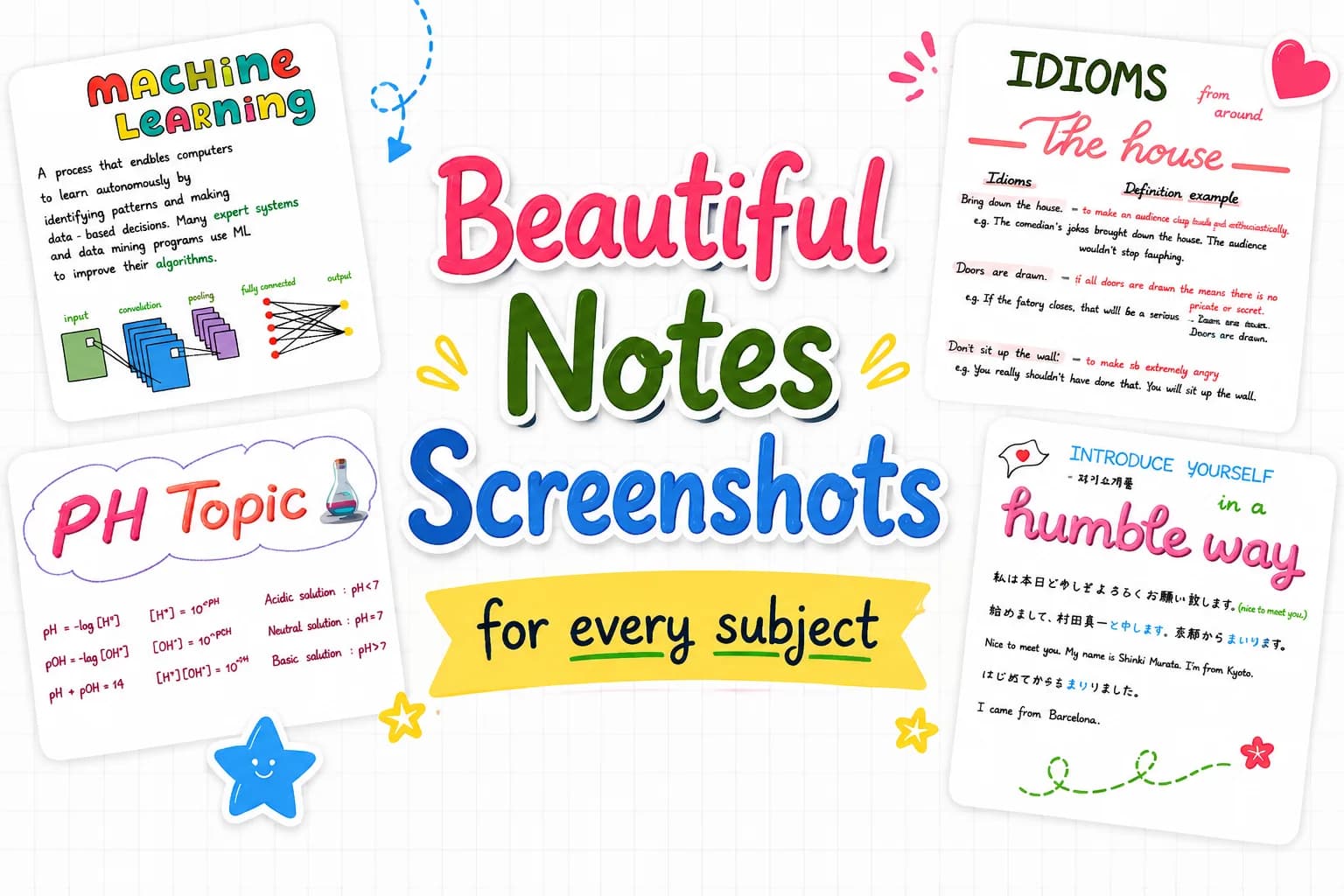
CollaNote Feature Screenshots
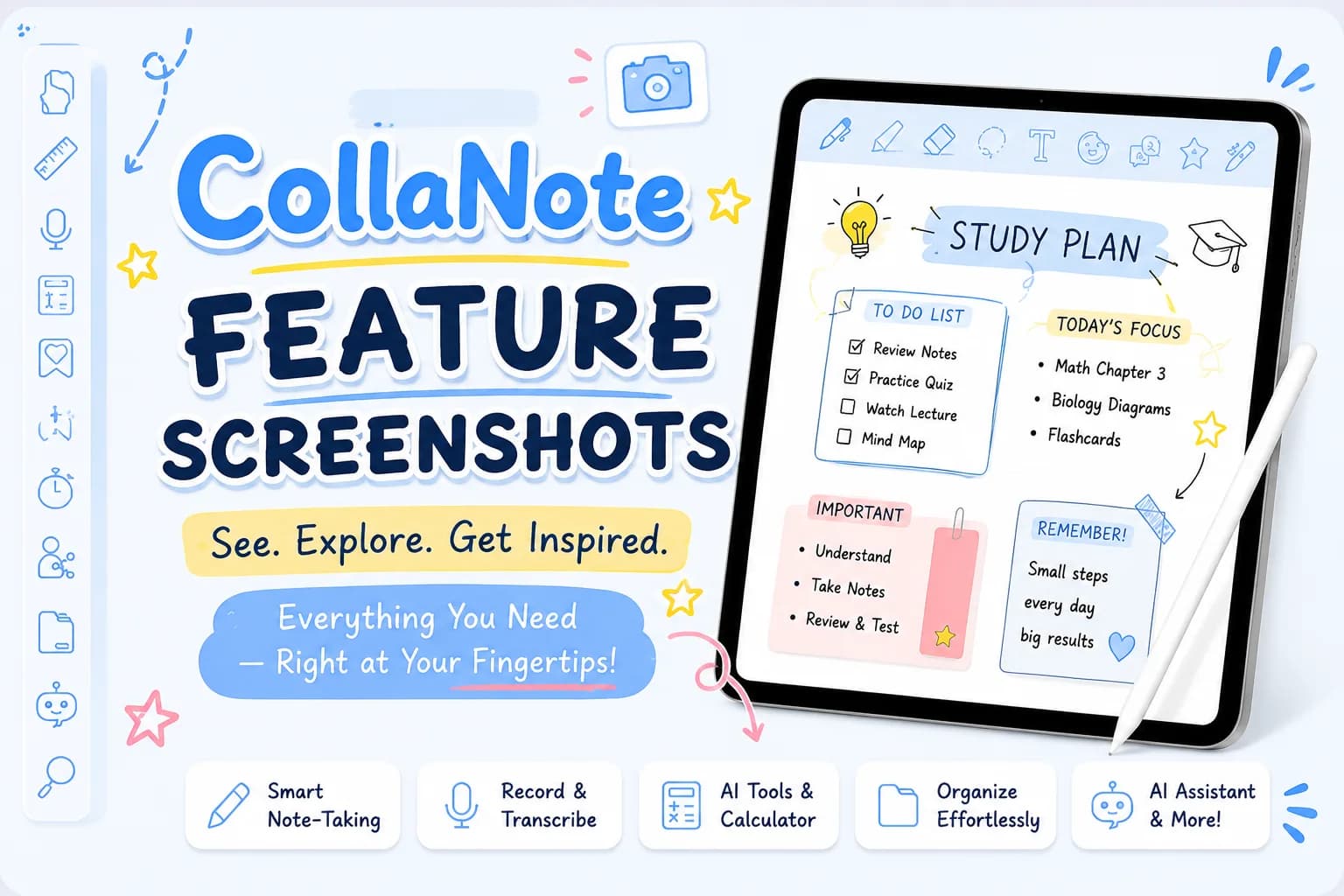
Explore here:
https://drive.google.com/drive/folders/1qp9QRnKym2kzmvGnSCvbMjZ-LlT5l6Hj?usp=drive_link
Explore a complete visual showcase of CollaNote through detailed screenshots of its features and interface. Discover horizontal and vertical sidebars, app layouts, Flashcards, Planner, and other essential tools to understand how CollaNote works in a clear and intuitive way. These screenshots provide an easy reference for exploring the app experience and its powerful features.
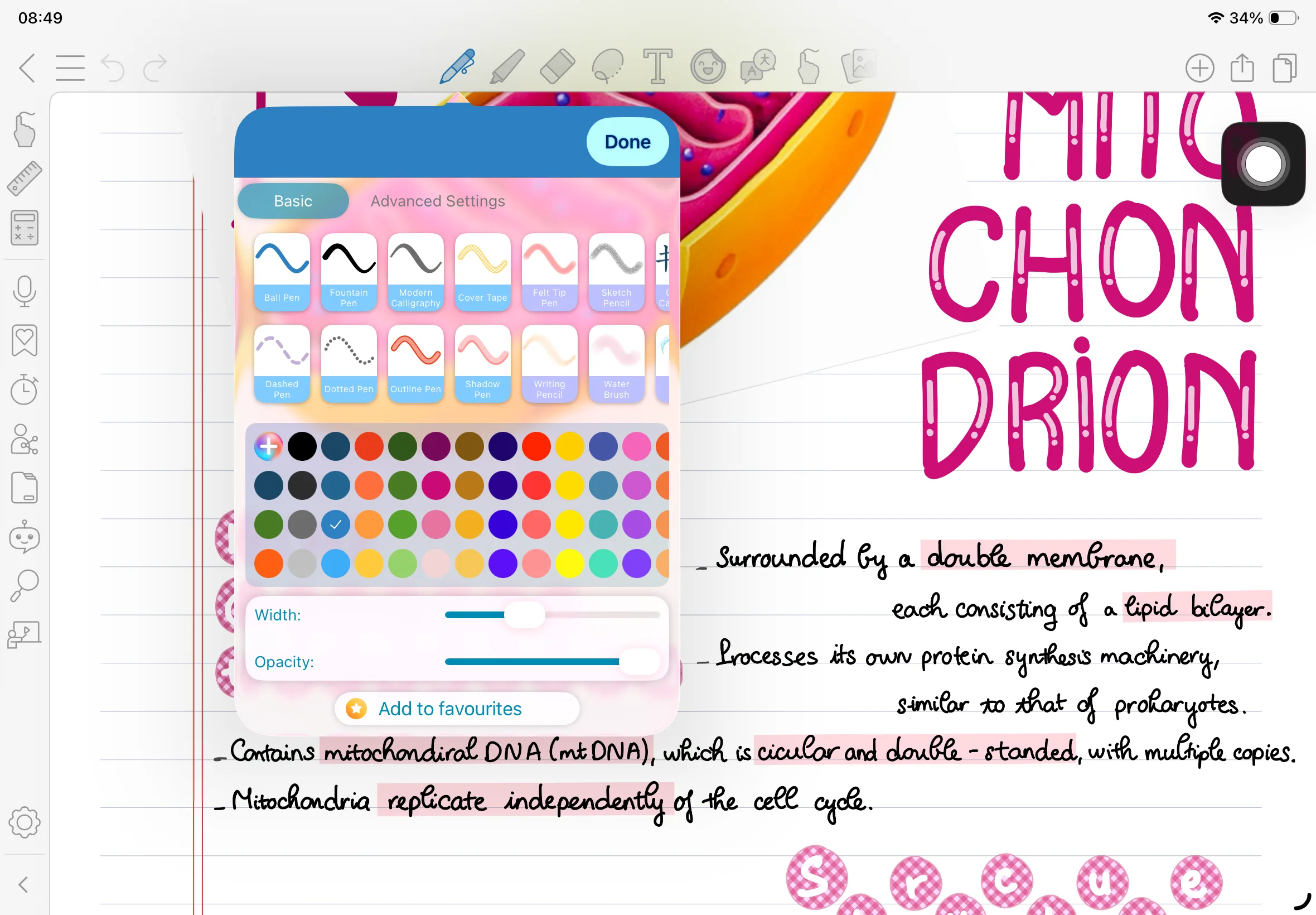
1. Pens
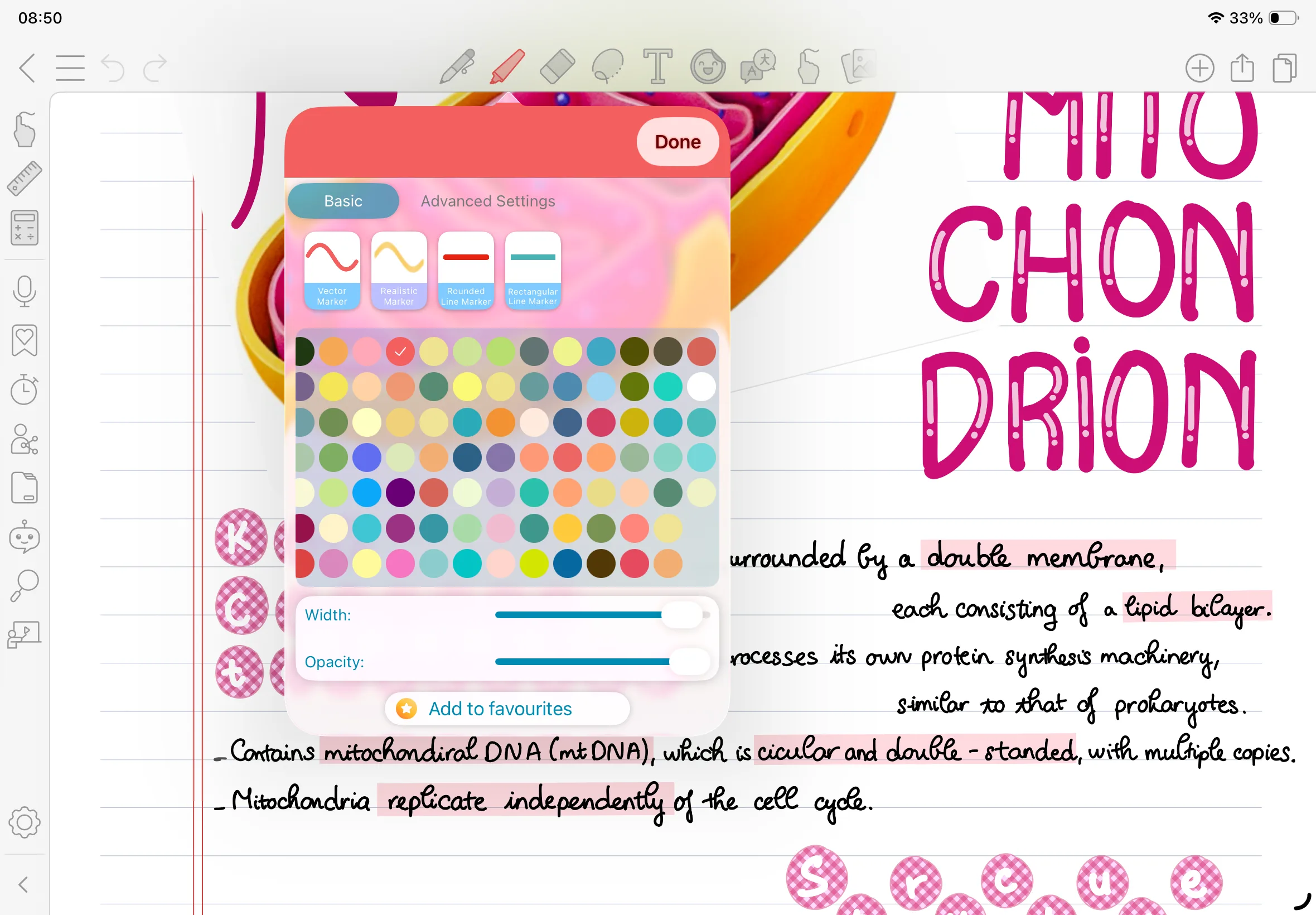
2. Brushes
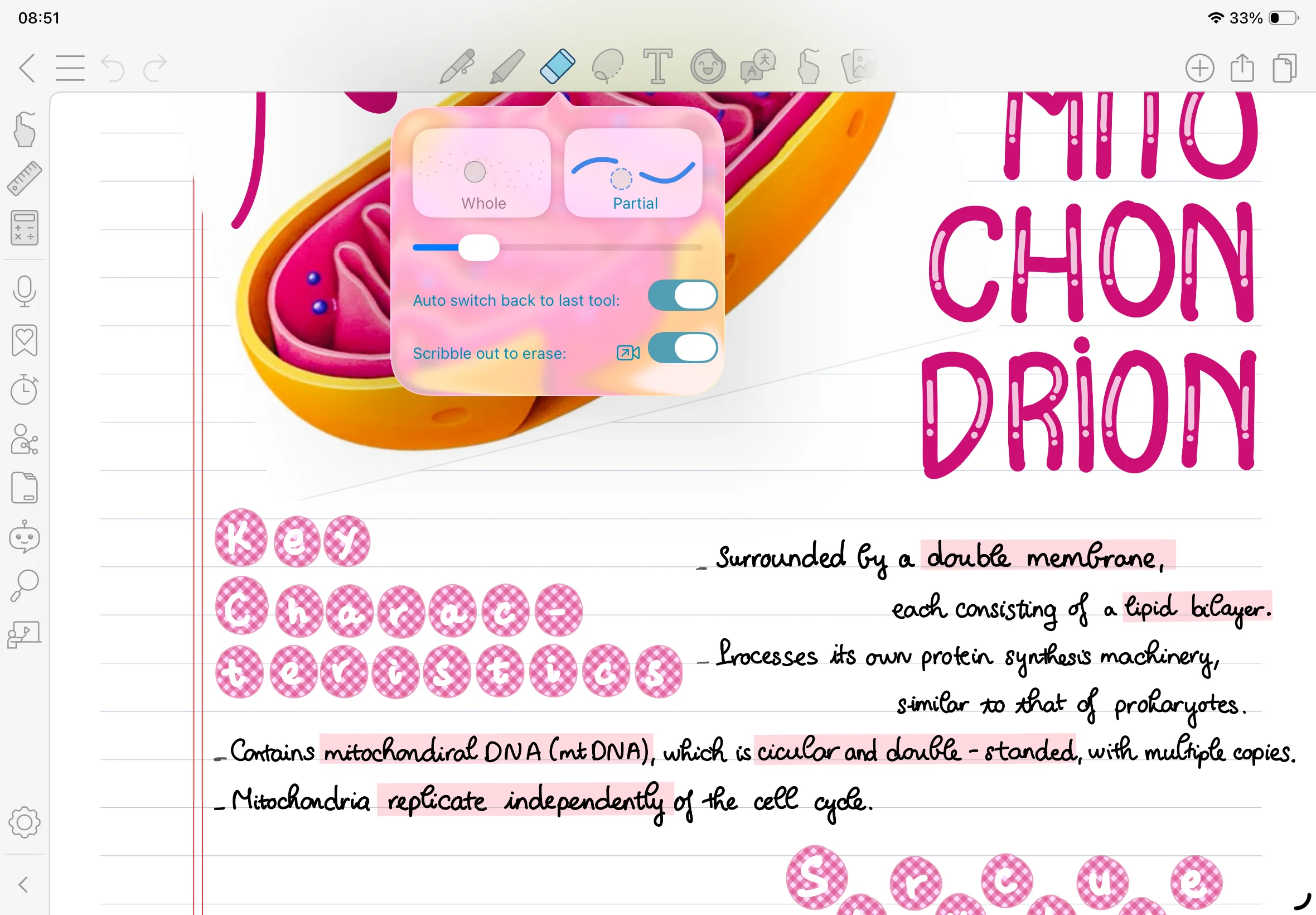
3. Erase Tool
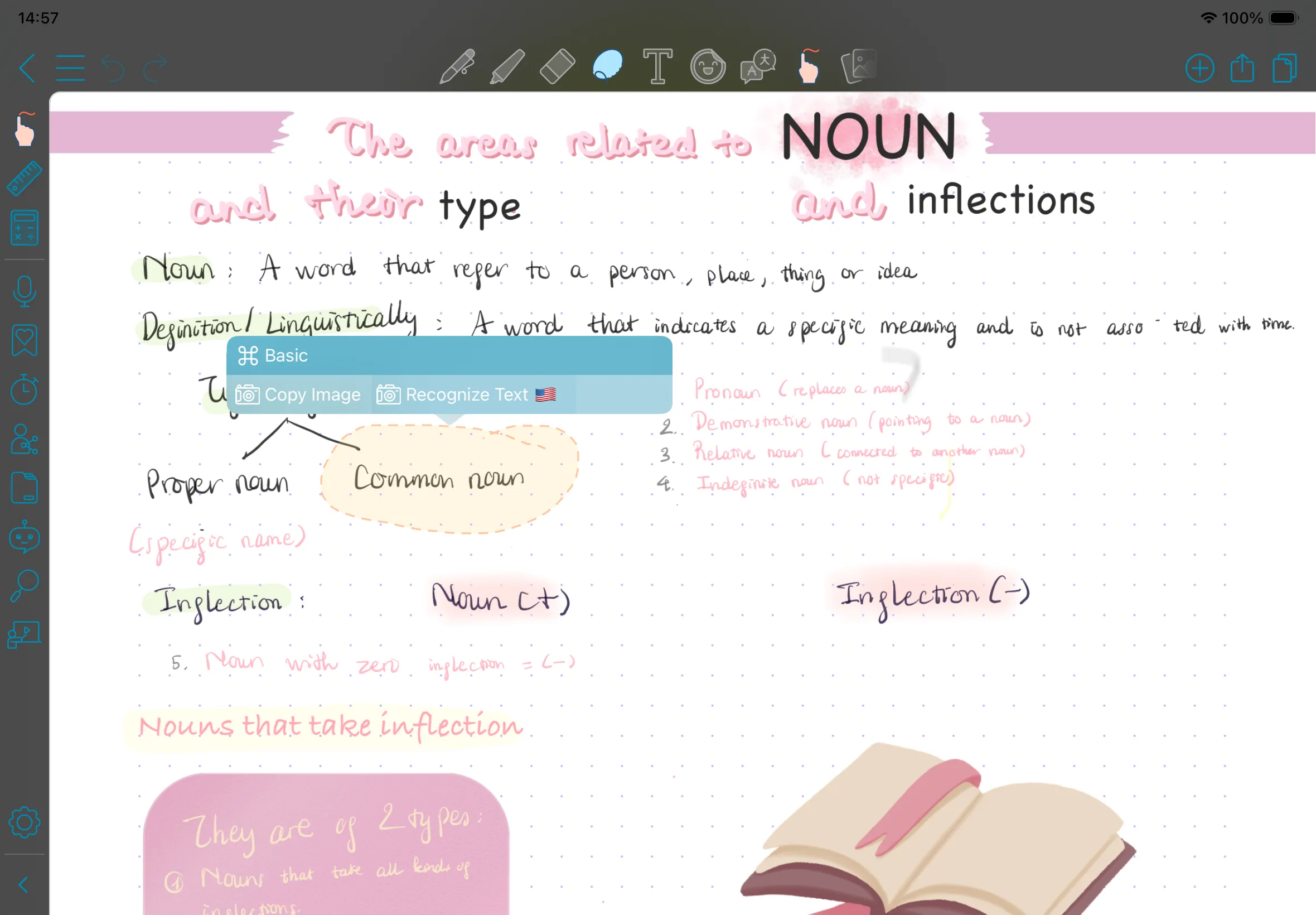
4. Lasso Tool
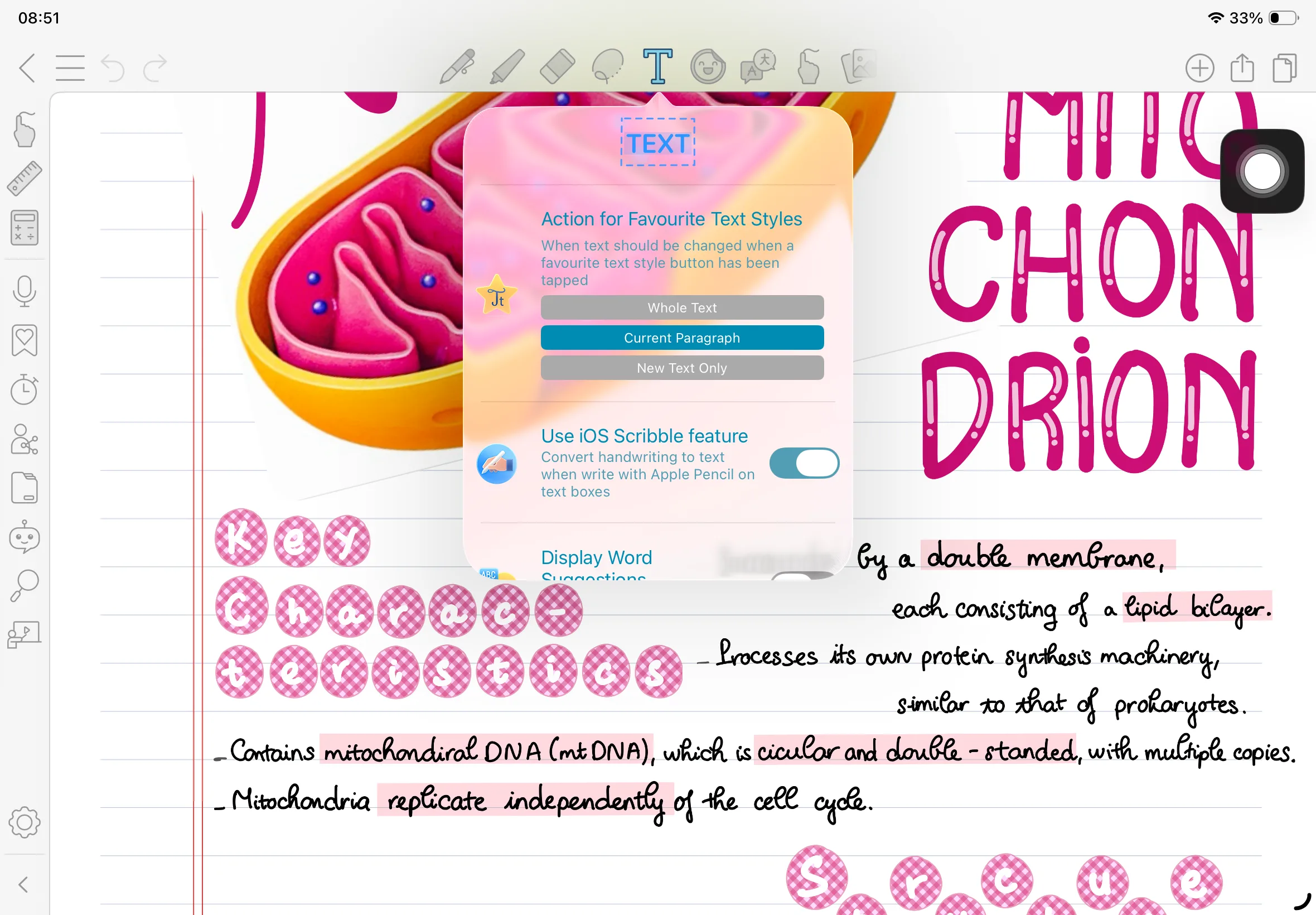
5. Text
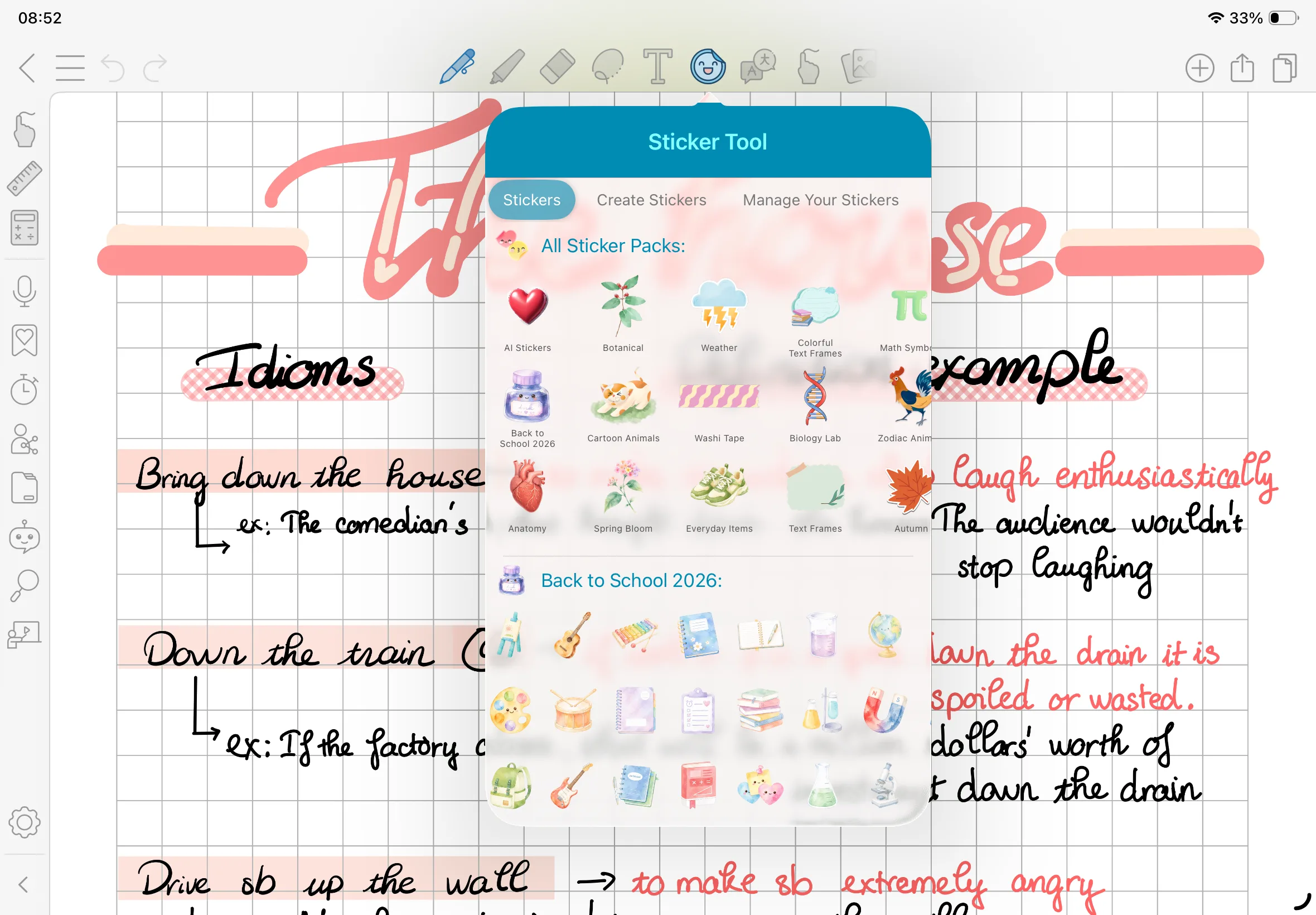
6. Sticker
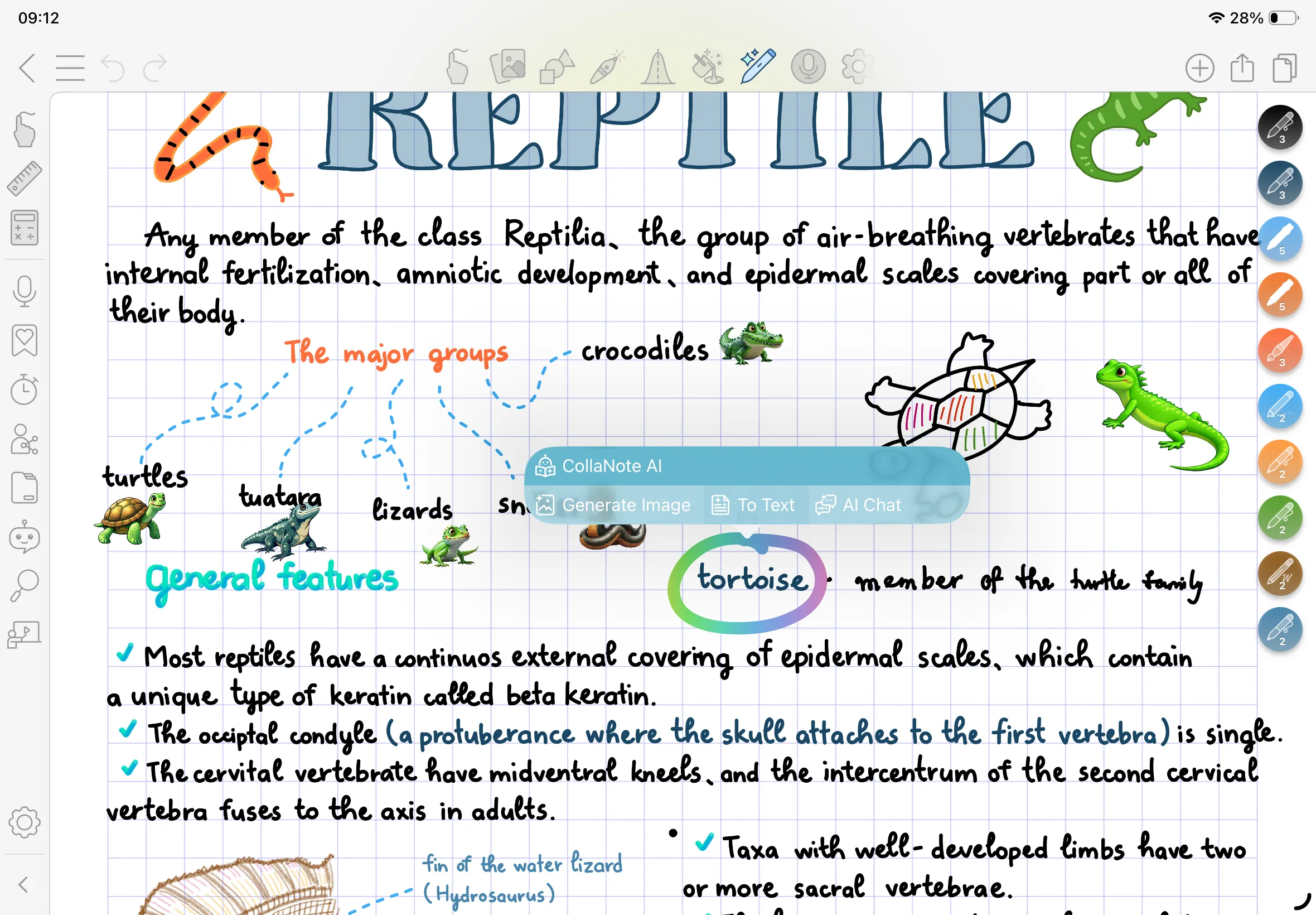
7. Translator Tool
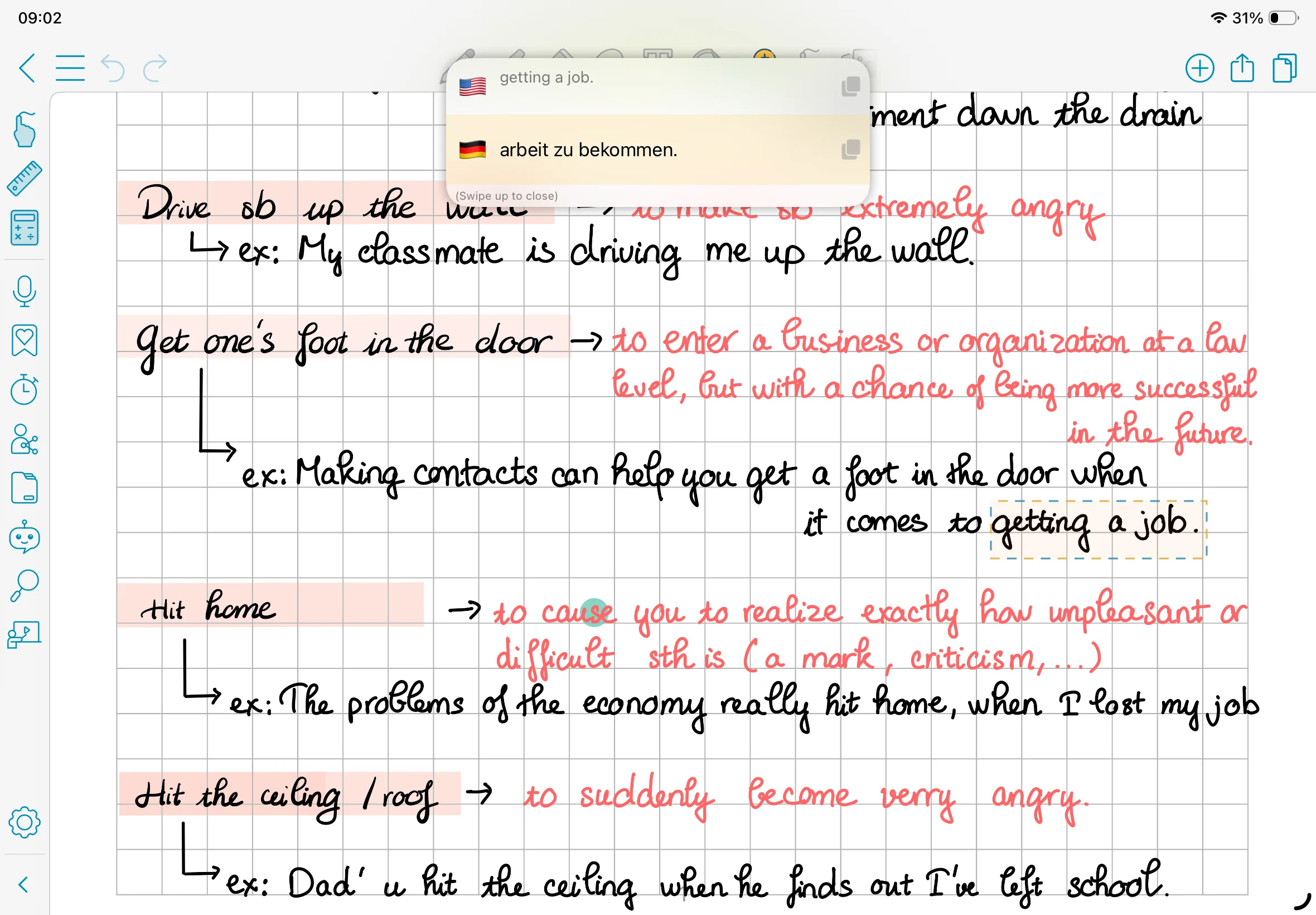
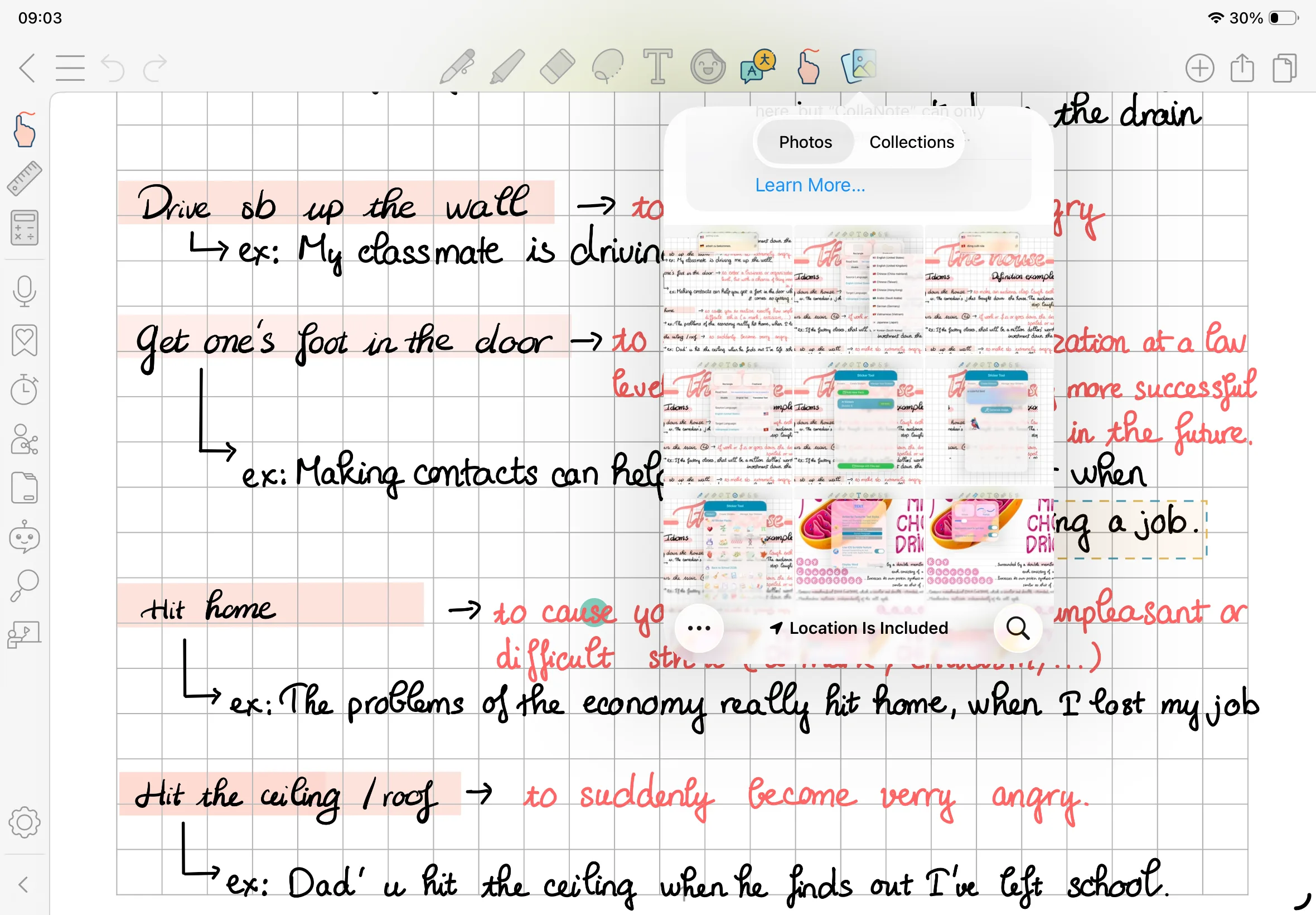
8. Insert Image Tool
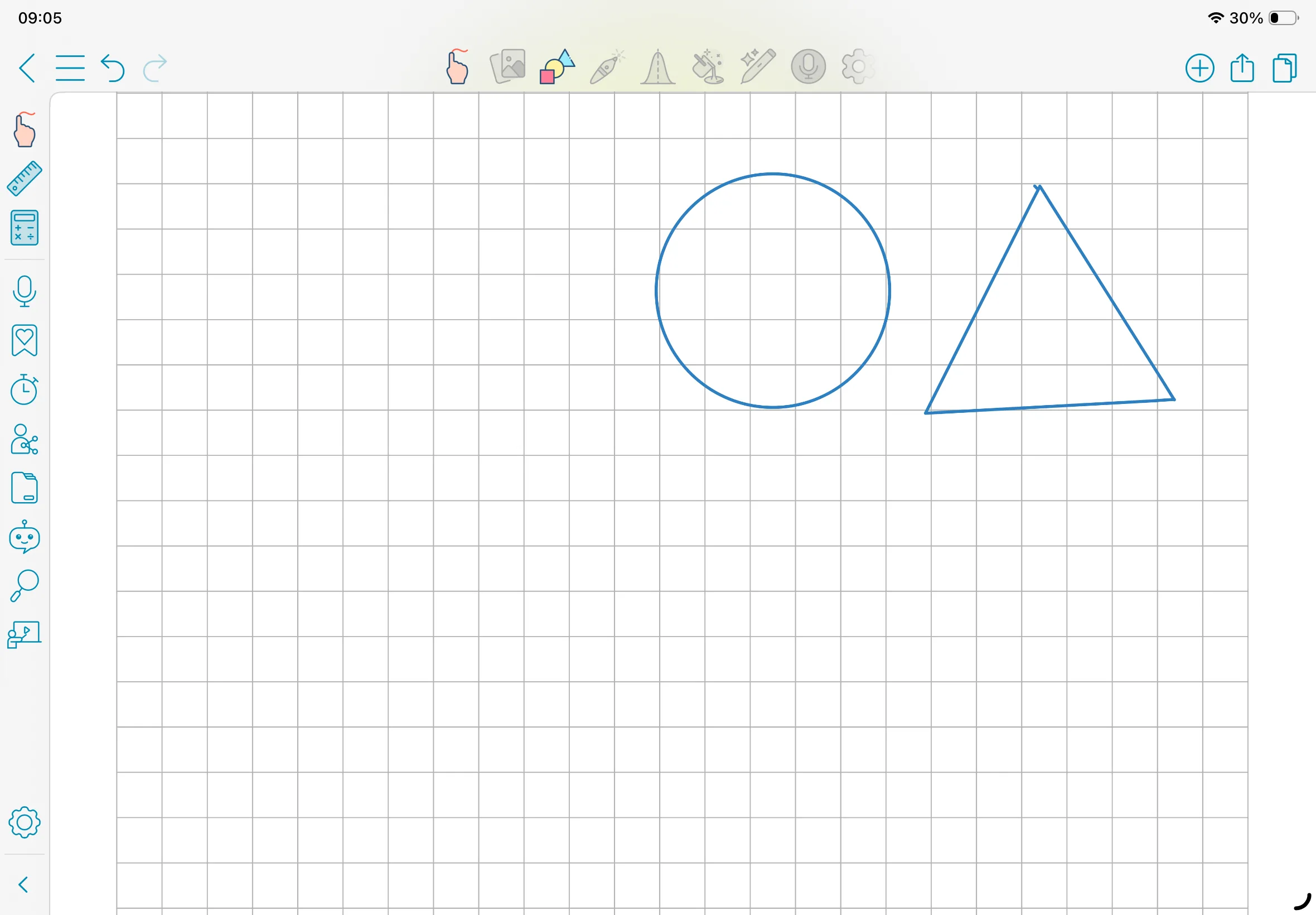
9. Shape Tool
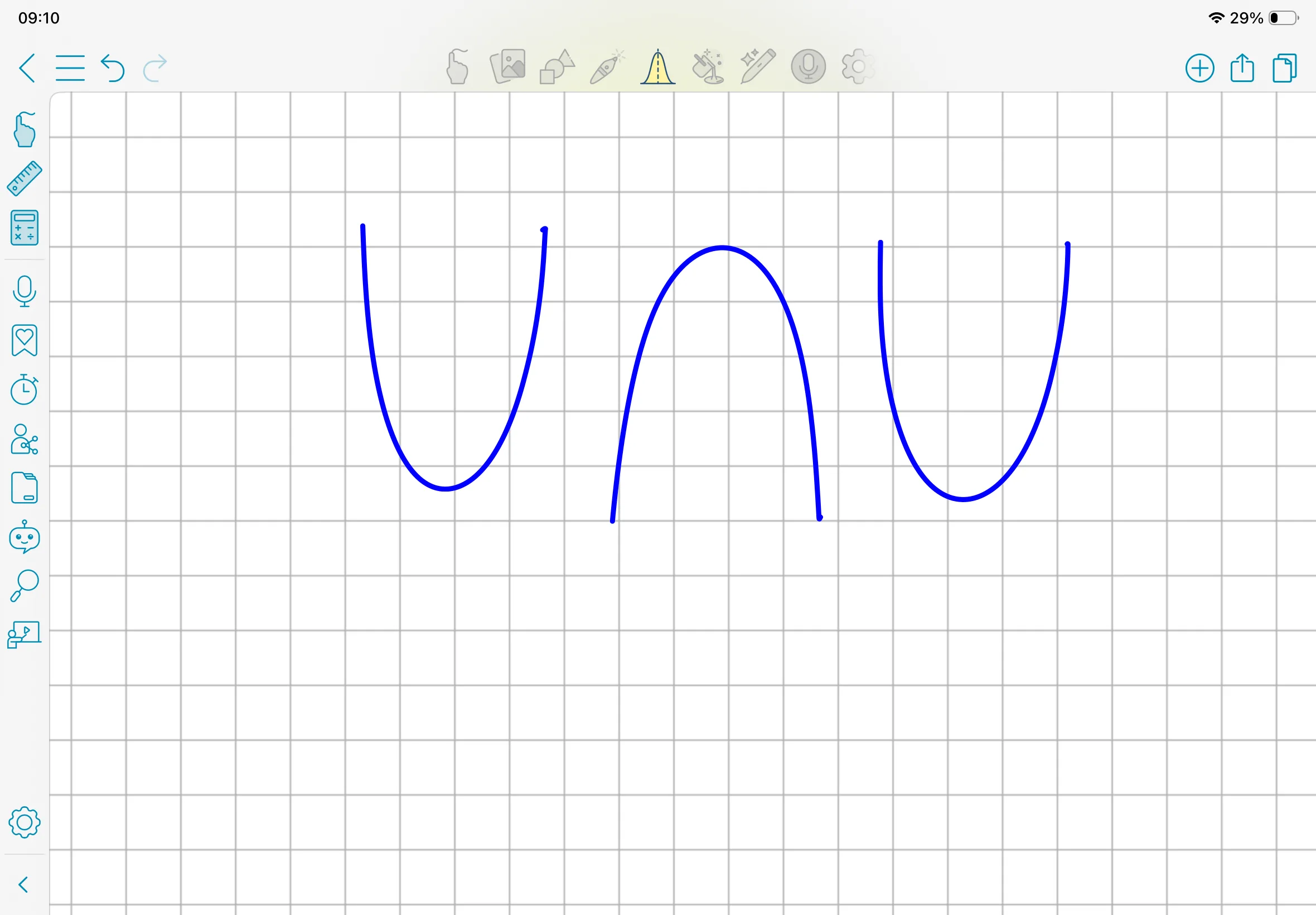
10. Curve Tool
11. Fill Tool
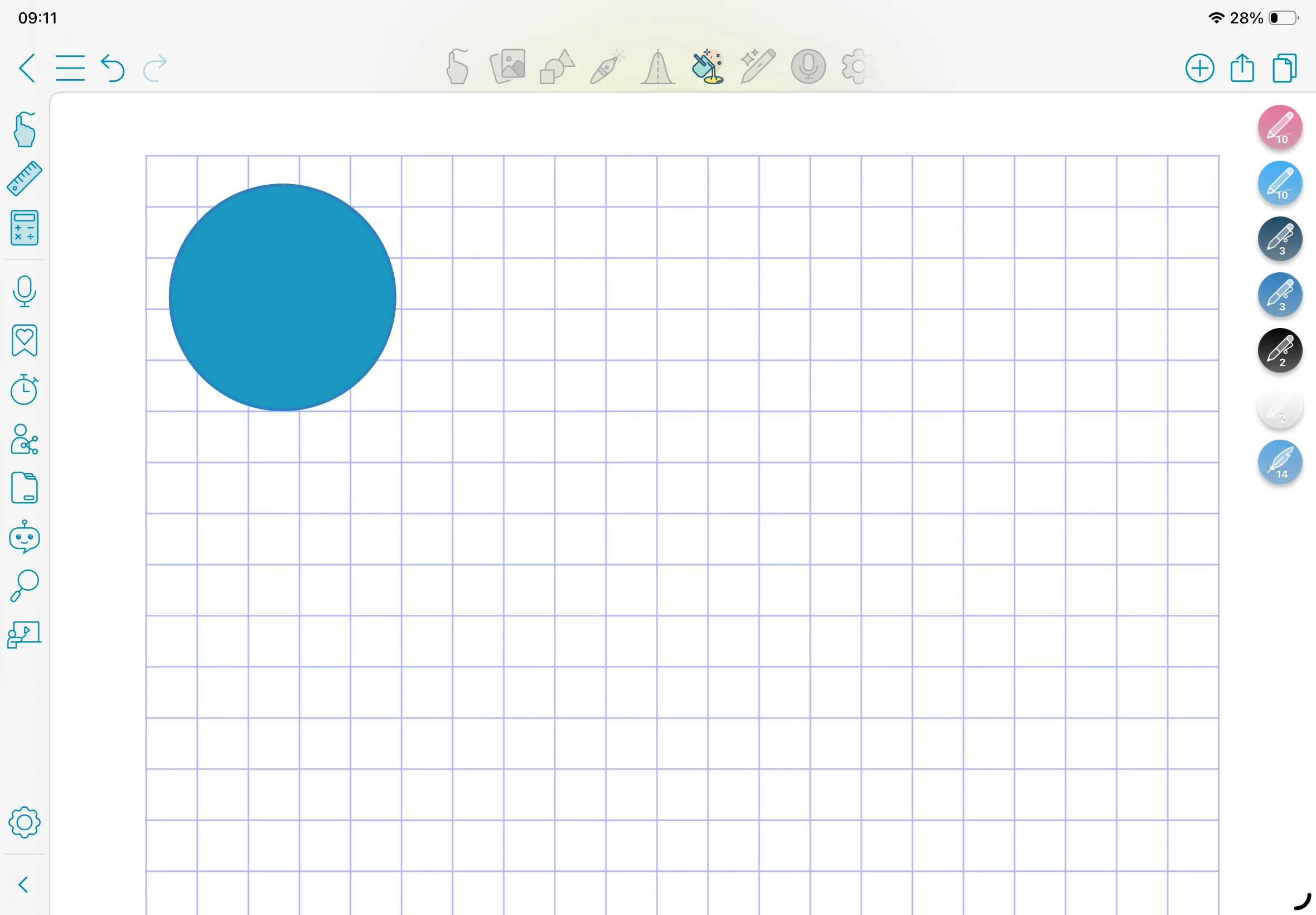
12. AI Pen
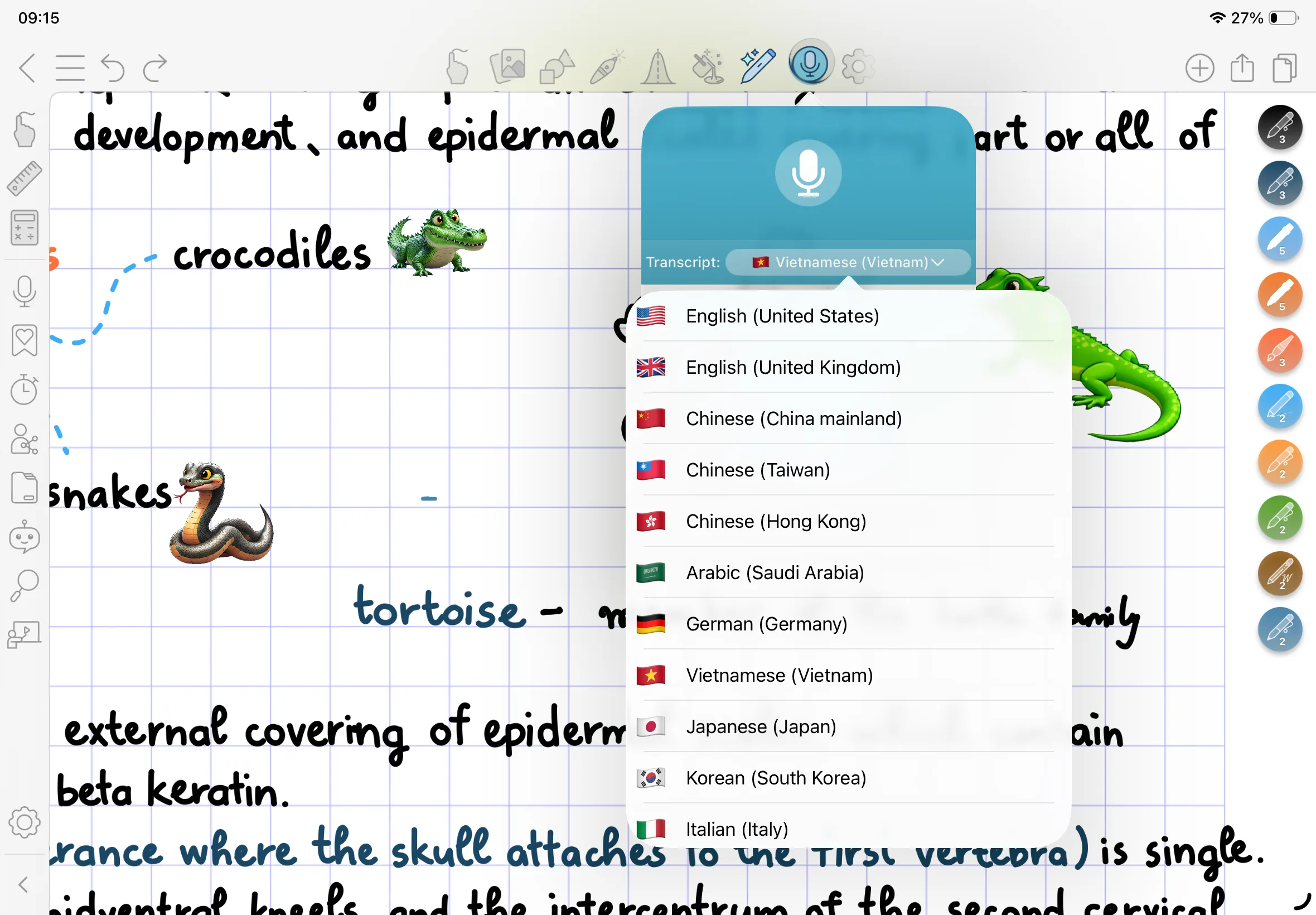
13. Audio Recording
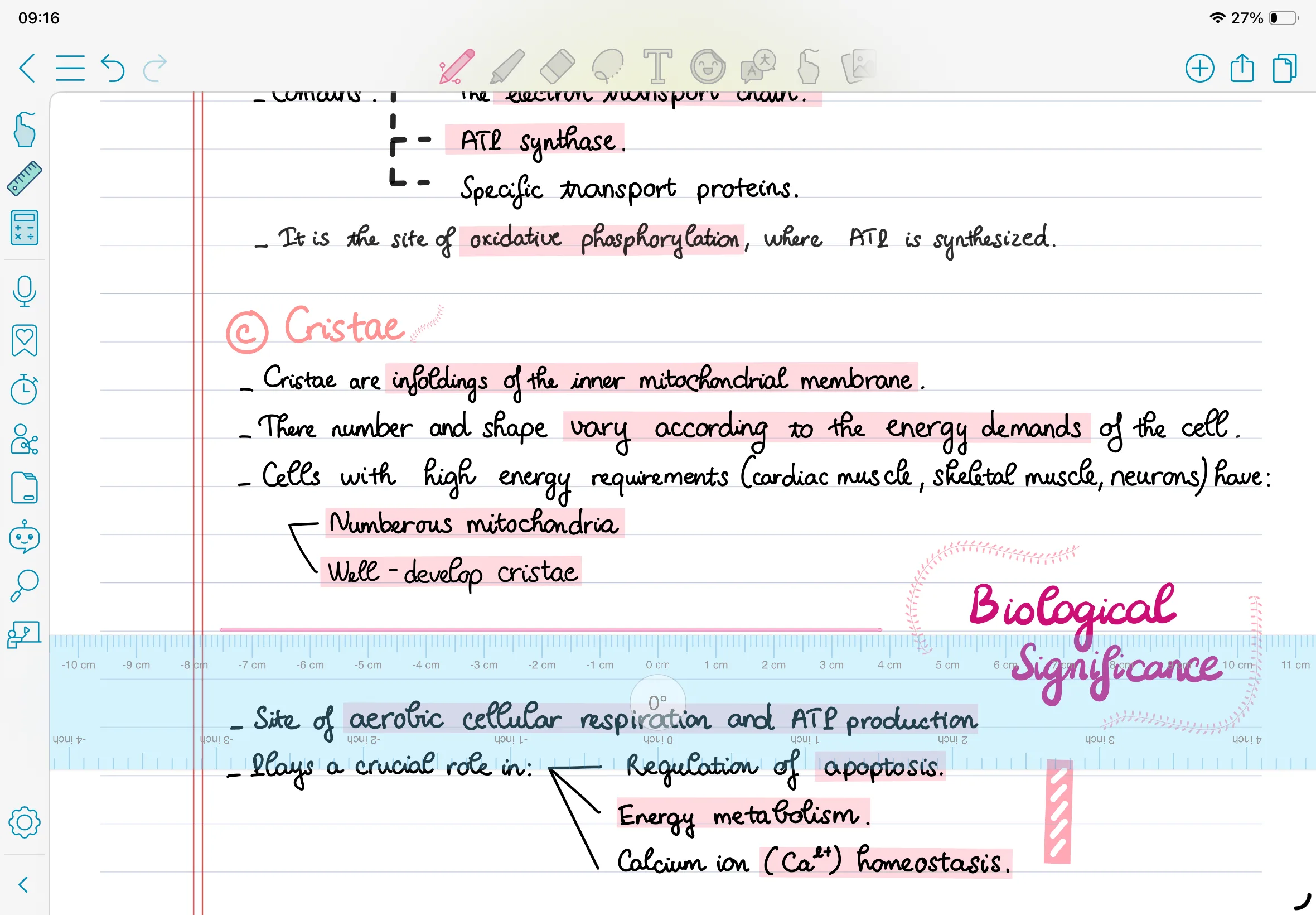
14. Ruler
15. Calculator Tool
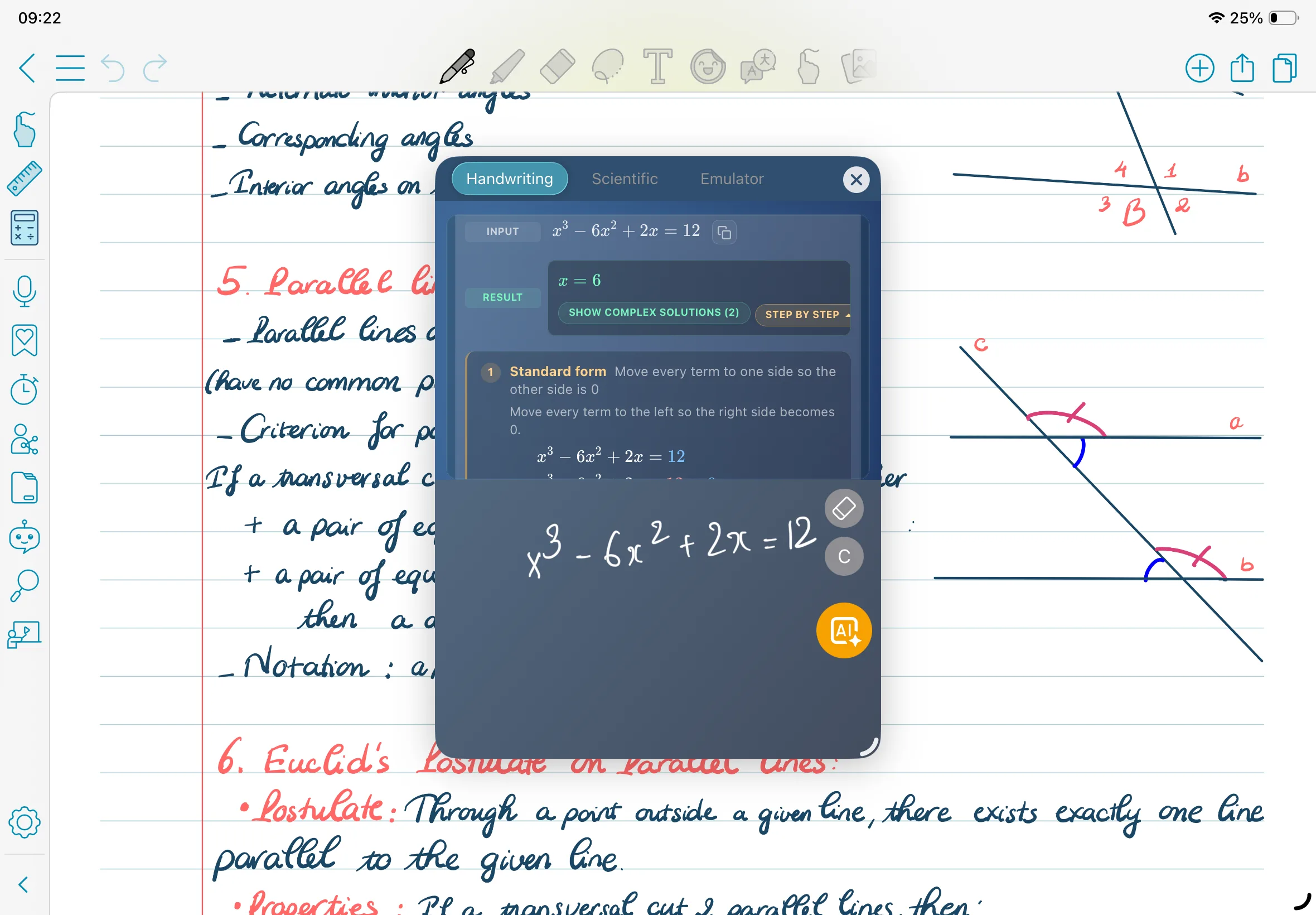
16. Bookmark
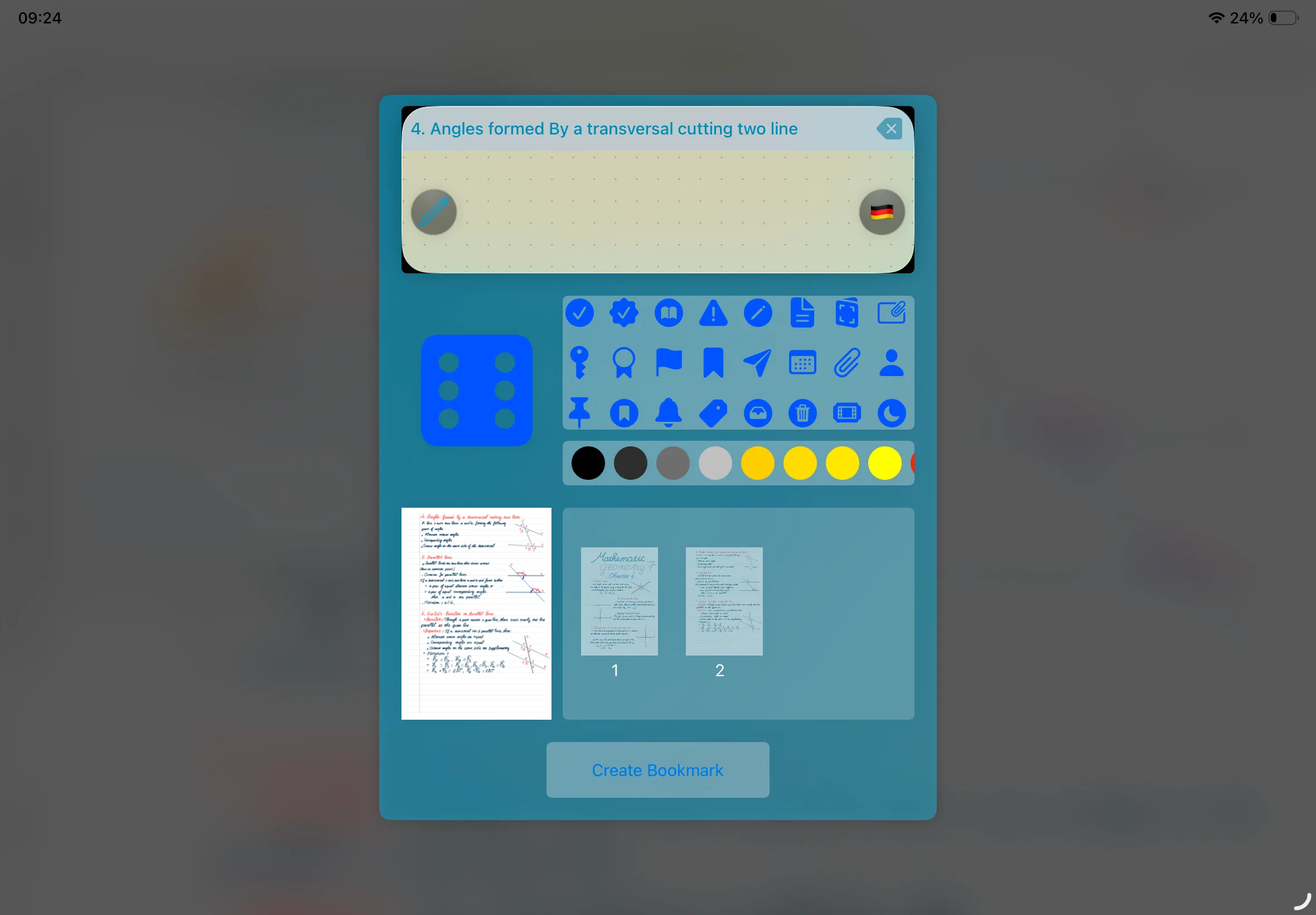
17. Pomodoro Timer
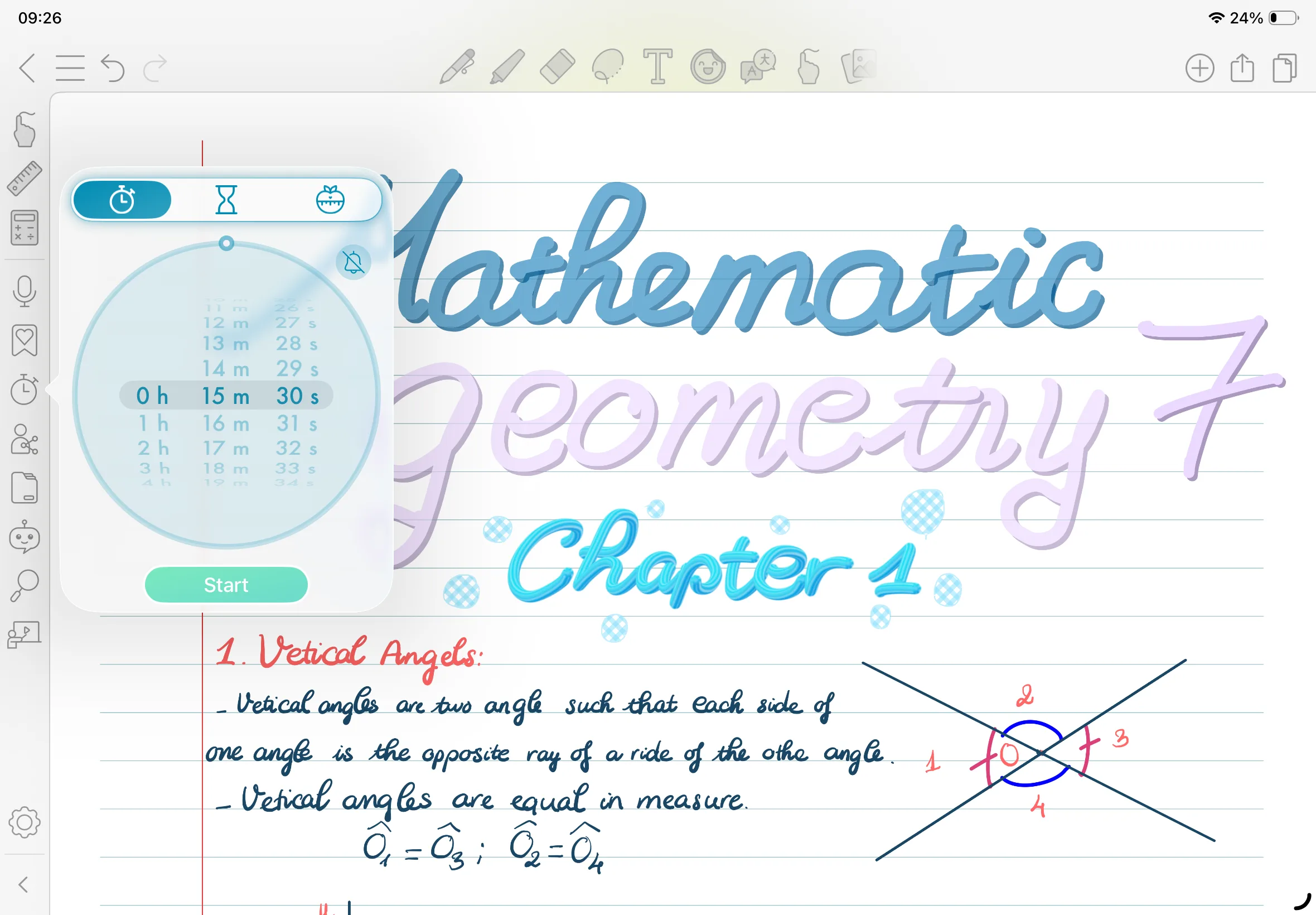
18. Import file
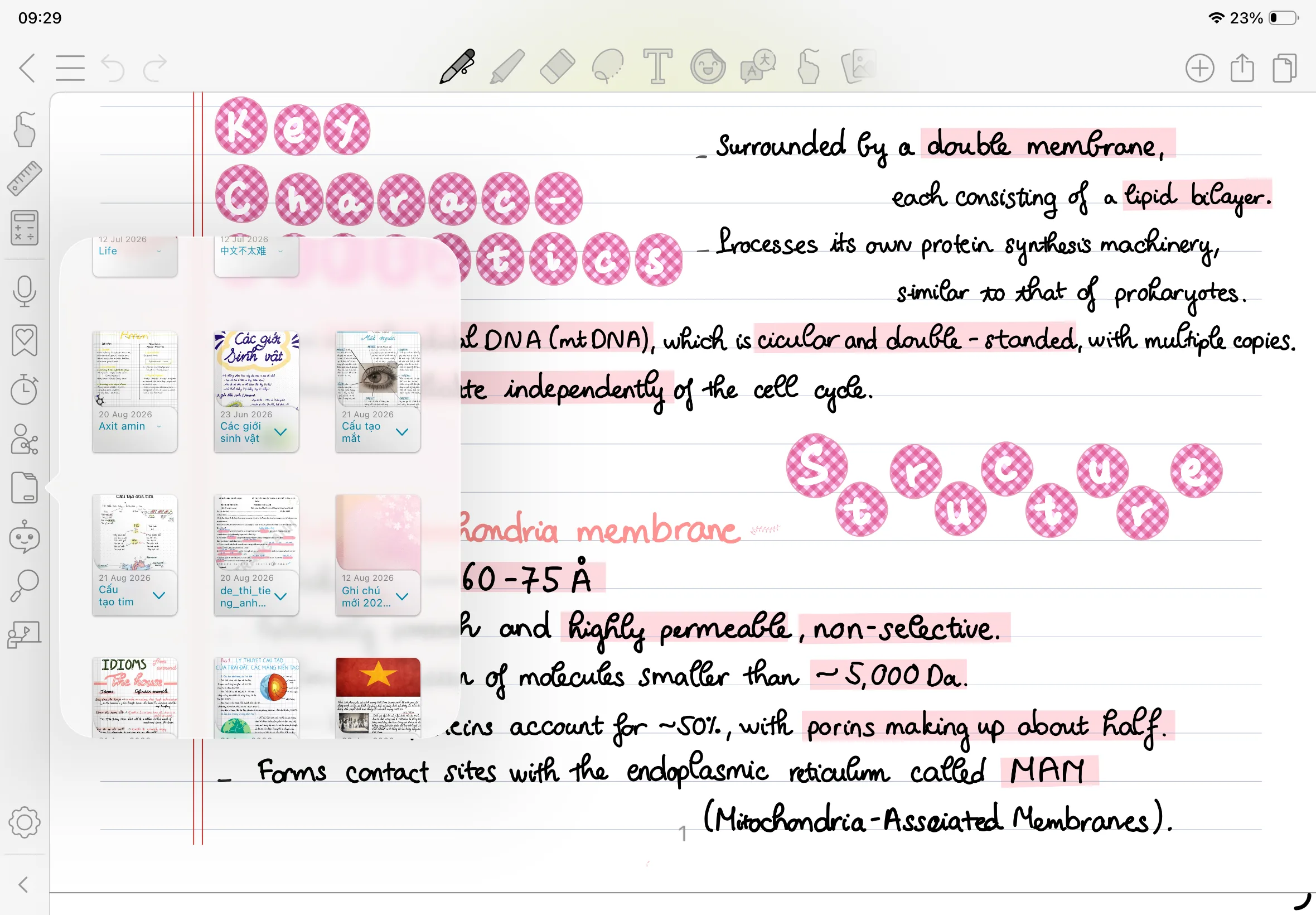
19. AI Assistant
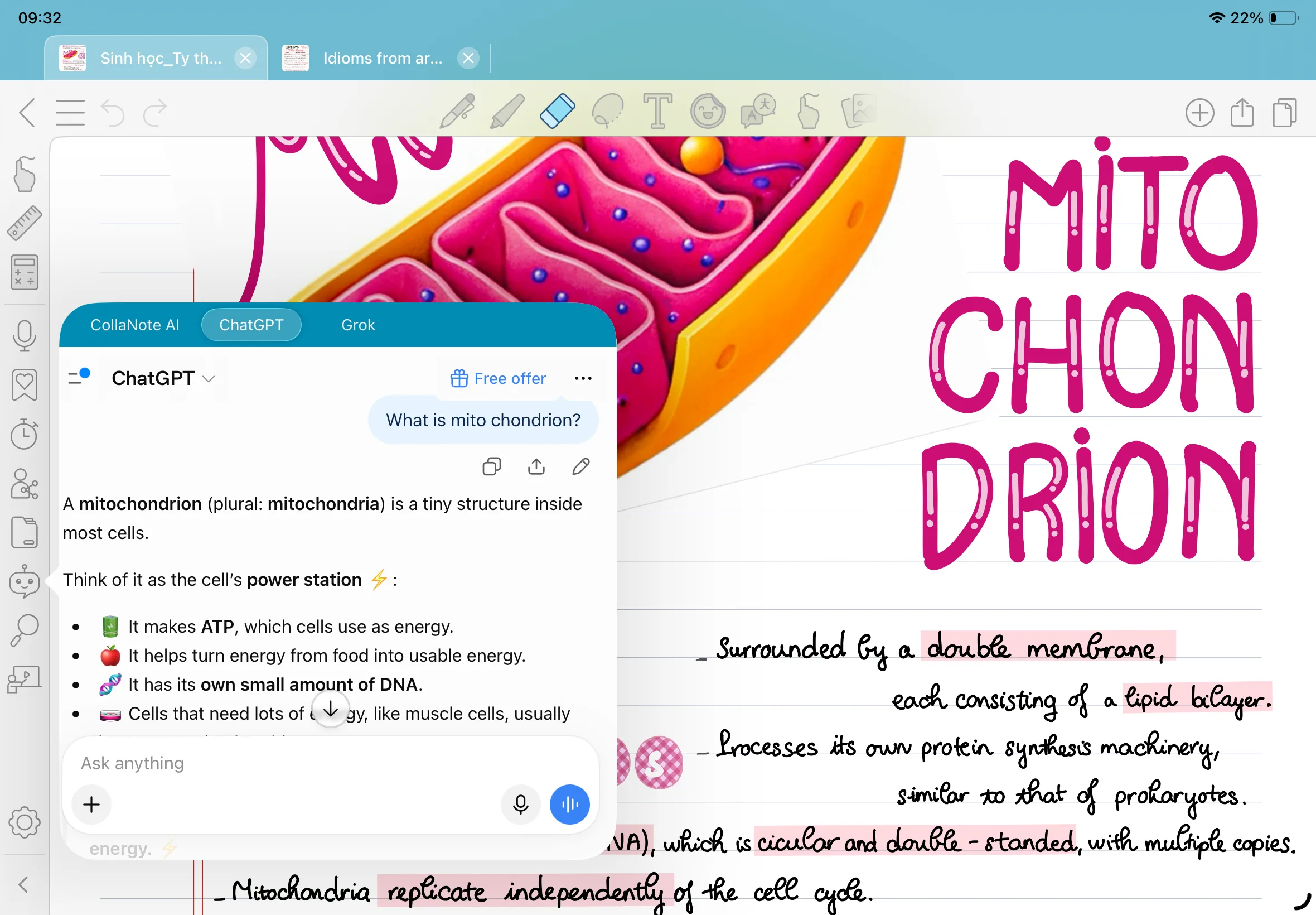
20. Find note
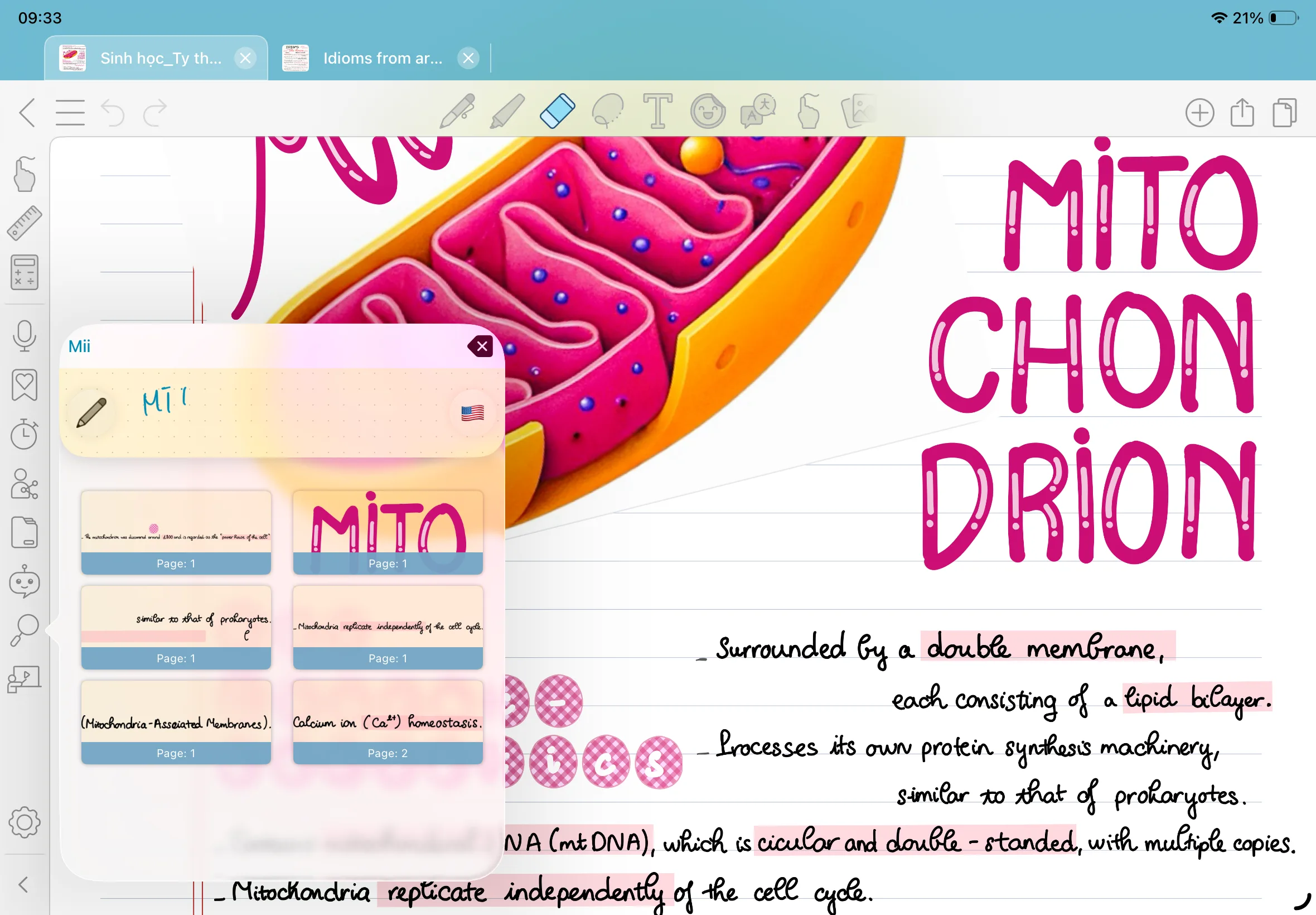
21. Flashcard

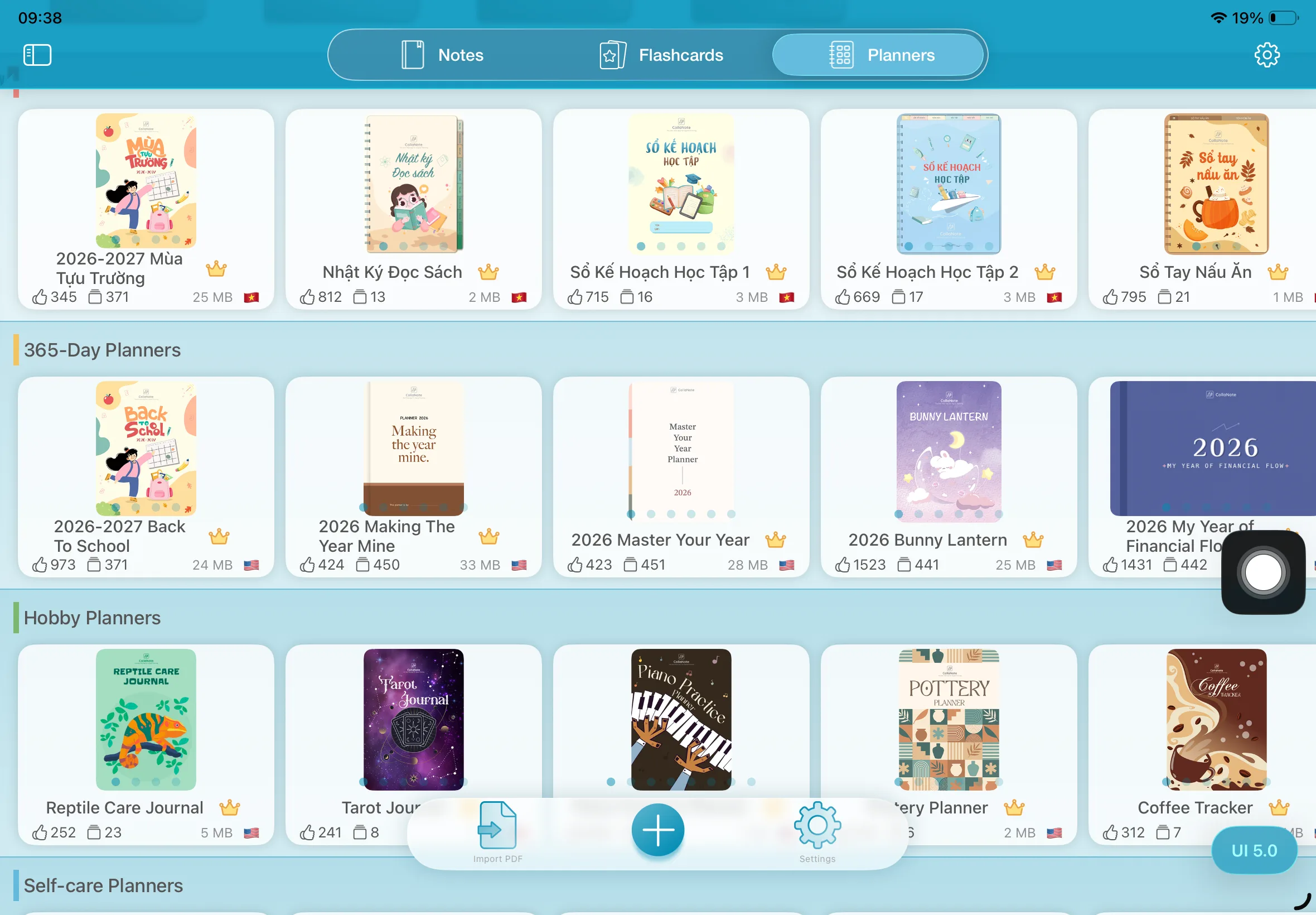
22. Planner
Ready to try these features? Download CollaNote and experience them in action.